Instant replay buffer
Save the last 15s, 30s, 60s, 90s, 2 min, 5 min — or any custom length.
SLAME quietly keeps the last minutes of your gameplay on standby. Hit F8 and the moment is saved — then trim it, caption it and send a link anyone can watch.
Version — · Free forever · No account needed
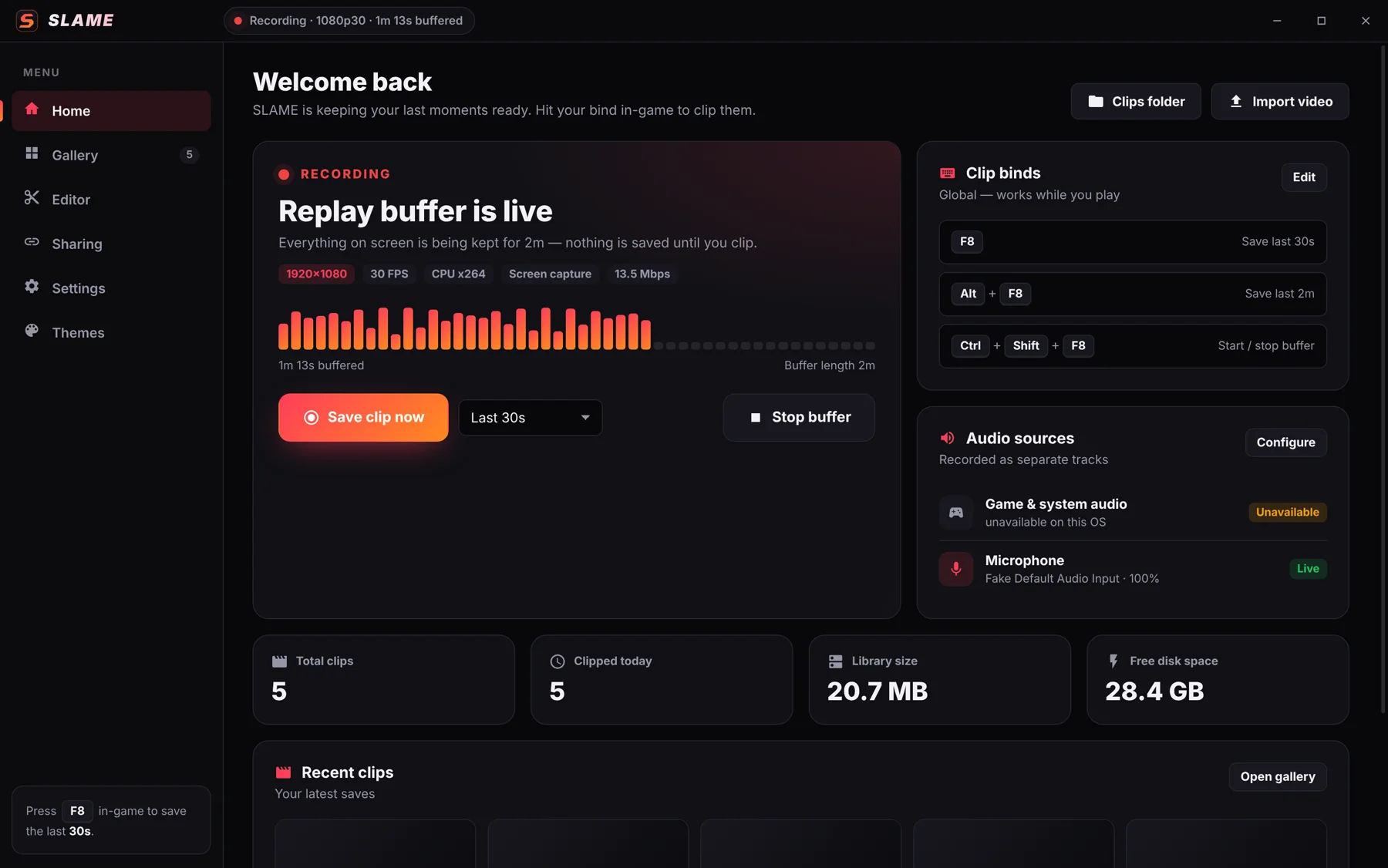
The replay buffer records to a small rolling cache on your drive. Nothing is kept until you press your bind.
SLAME sits in your tray and records the last minutes on your GPU's encoder, so your FPS stays put.
F8 saves the last 30 seconds. Alt+F8 saves 2 minutes. Set as many binds and lengths as you like.
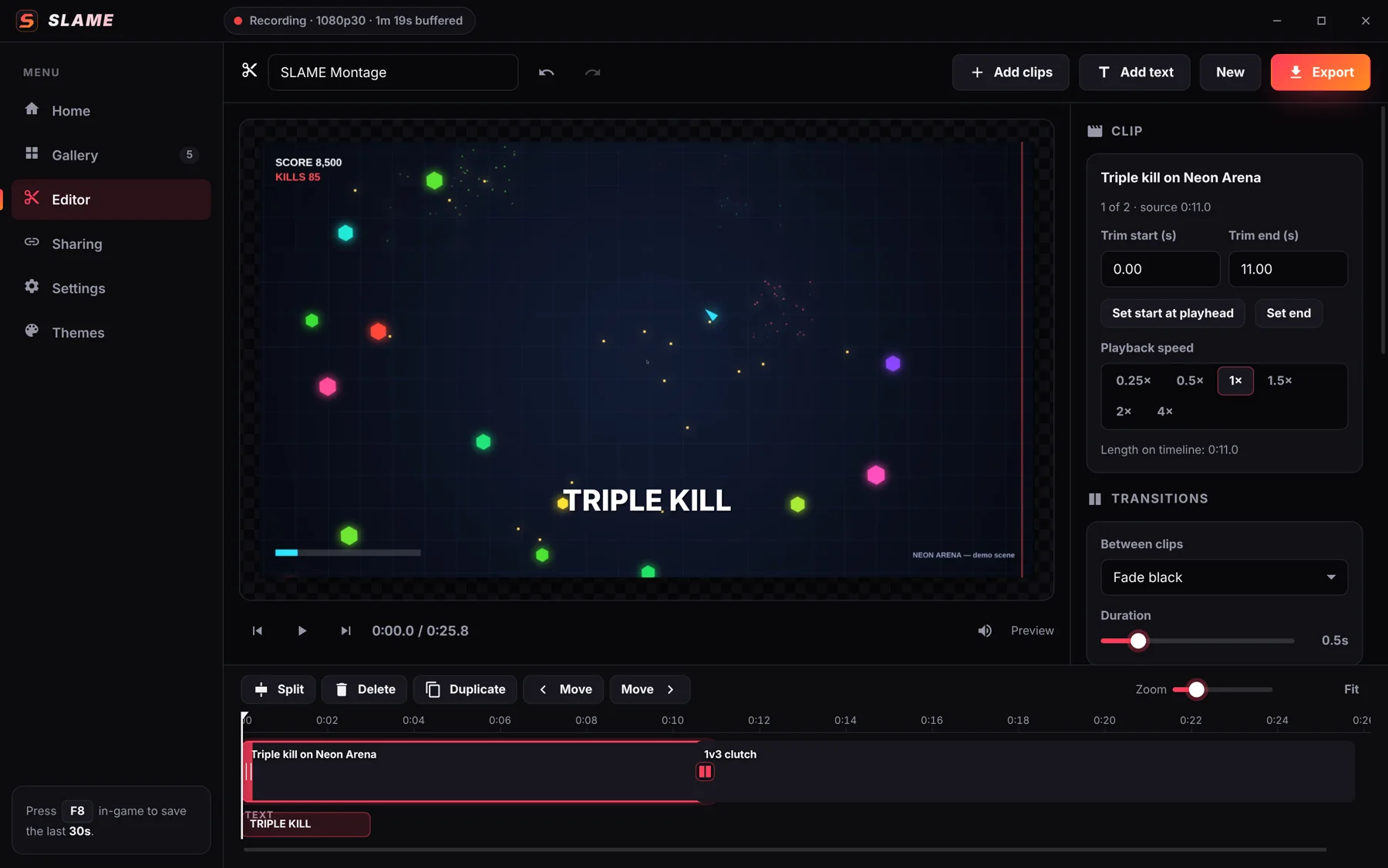
Trim, caption and export in the built-in editor, or upload and send a link that plays in any browser.
Save the last 15s, 30s, 60s, 90s, 2 min, 5 min — or any custom length.
Assign, change or remove hotkeys. They work while you're in-game, each with its own length.
Game audio and your mic are recorded on their own tracks, with device selection and volume.
Auto-detects your CPU, GPU and encoders, then recommends the best settings. Falls back safely if one fails.
Trim, split, combine, crop, speed ramps, text, transitions and multi-format export.
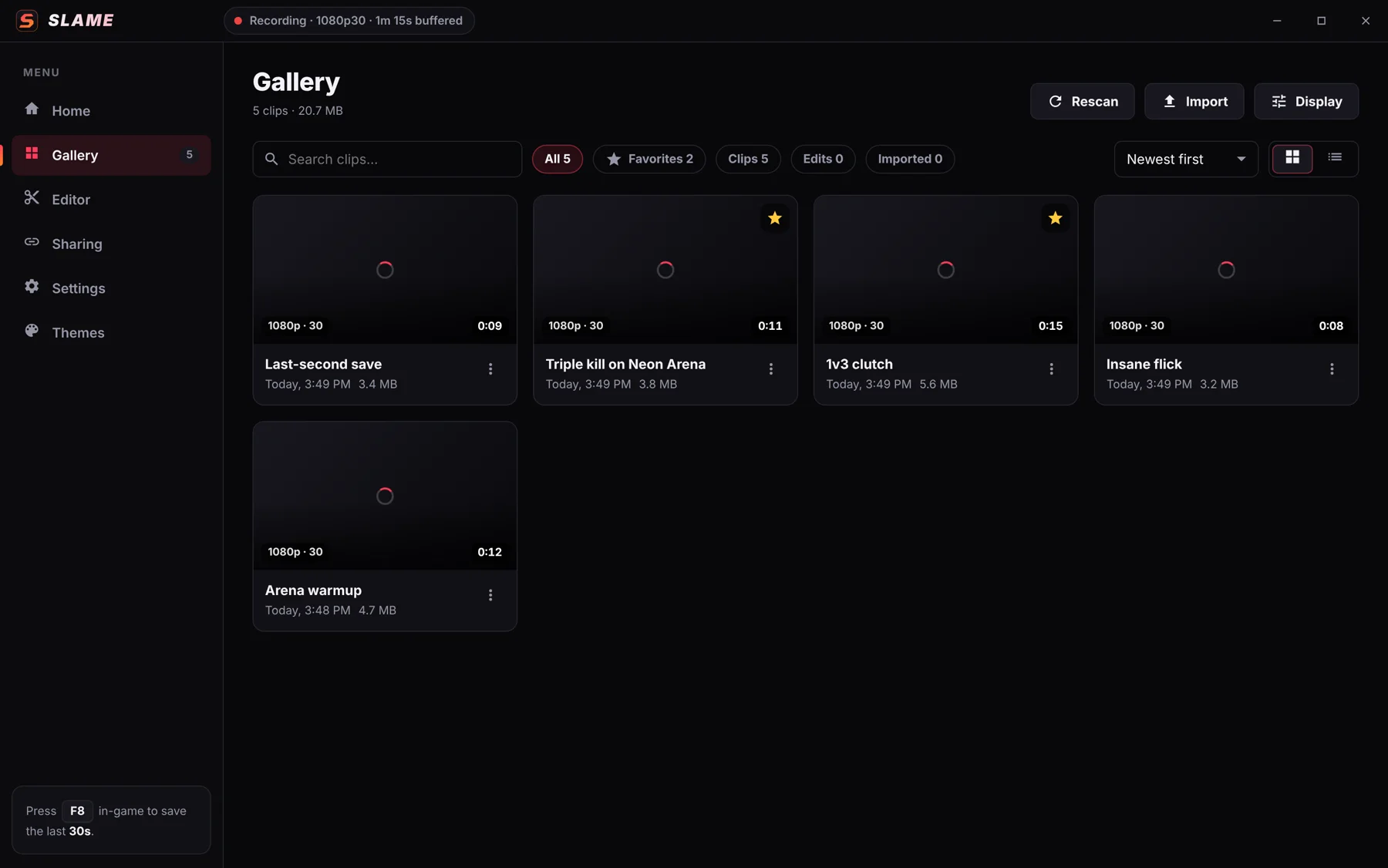
Thumbnails, hover previews, search, sort, favorites and storage limits that never touch favorites.
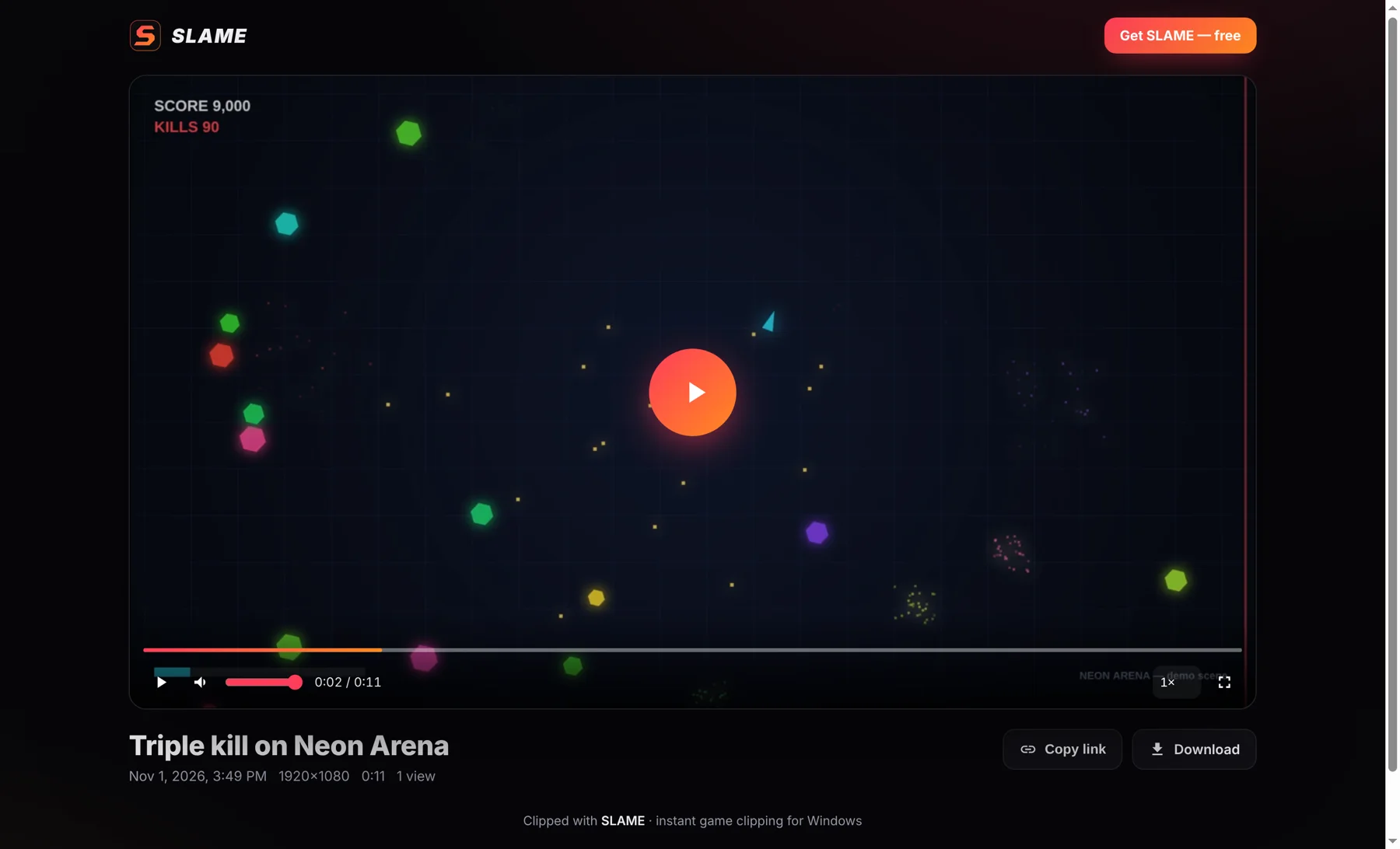
Upload to your own hosting and send a link with a branded player. Downloads optional.
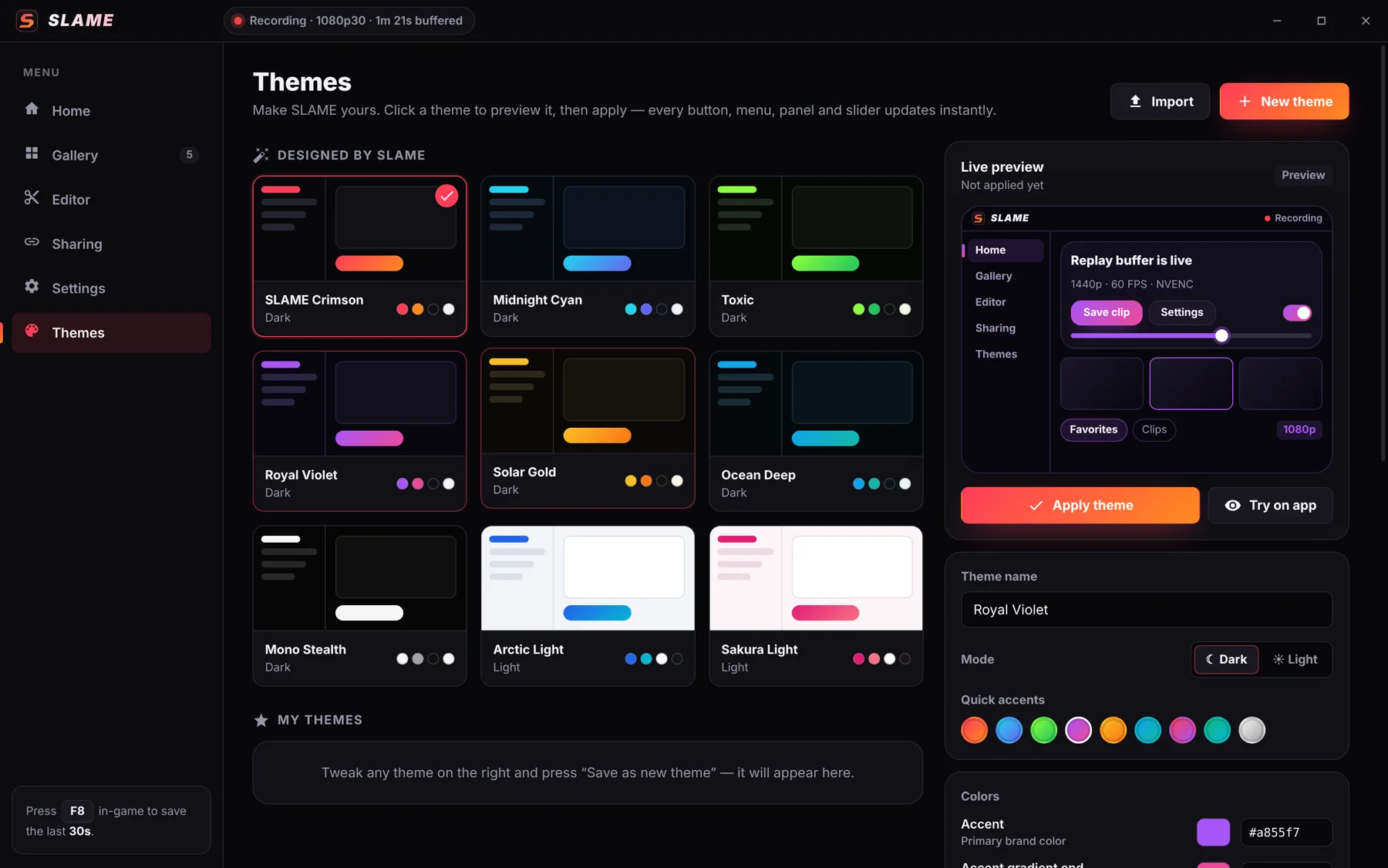
Nine designed themes, dark & light, plus a full editor for your own colors.
Clips upload to your own hosting (Cloudflare R2 or any server) and play in a clean, SLAME-branded browser player — with rich embeds in Discord and socials. Turn downloads on or off and delete links any time.
Pick a preset or design your own — every button, slider and panel follows. Try it on this page:
| Minimum | Recommended | |
|---|---|---|
| OS | Windows 10 (1903+) 64-bit | Windows 11 64-bit |
| CPU | 4 cores (Intel i5-6xxx / Ryzen 3) | 6+ cores |
| GPU | Any DirectX 11 GPU | NVIDIA GTX 10-series+, AMD RX 5000+, or Intel Arc / UHD 600+ (hardware encoding) |
| Memory | 8 GB RAM | 16 GB RAM |
| Storage | 2 GB free + space for clips | SSD with 20 GB+ free |
| Sharing | Optional: a free Cloudflare account (R2) or your own server | |
SLAME-Setup.exe. If Windows SmartScreen appears, click More info → Run anyway (new apps show this until they build reputation).Loading…
Yes. SLAME itself is free with no account and no watermark. If you turn on link sharing, your clips are hosted on your own storage — Cloudflare R2 is free up to 10 GB, then about $0.015 per GB per month, and viewers watching costs nothing.
On GPUs with a hardware encoder (NVIDIA NVENC, AMD AMF, Intel Quick Sync) the impact is typically a few percent, because encoding runs on a dedicated chip. SLAME recommends settings for your PC automatically.
Yes — binds are global, so they work in any game. Capture uses Windows Desktop Duplication, which records borderless and most fullscreen games. The on-screen “Clip saved” toast is visible in borderless/windowed mode; in exclusive fullscreen you'll hear the clip sound.
In Videos\SLAME by default — change it any time in Settings › Storage. Exports go to an Exports subfolder.
Yes. Each clip has a mixed track for easy playback plus separate Game and Microphone tracks, so you can rebalance them later in the editor.
SLAME uploads the clip to your share server and gives you a link to a browser player. Set it up once in the Sharing tab (about 5 minutes on Cloudflare). You can disable downloads or delete a link whenever you want.
New installers that aren't yet code-signed with an established certificate trigger SmartScreen. Click More info → Run anyway. The download's SHA-256 checksum is listed below the button so you can verify it.
Found a bug or have an idea? Get in touch — include your log file (Settings › About › Open log folder) for the fastest fix.
